
How to create a lead magnet comes down to five parts: choose one problem your visitors have, pick a simple format such as a checklist or template, build it with free tools, write a one-line promise, and connect it to a signup form that delivers it by email. A lead magnet is a free resource a visitor receives in exchange for an email address. The usual advice is to write an ebook, which sounds like months of work and puts many beginners off before they start.
A better plan for a personal or small business website is one small resource that solves one problem, built over a weekend. This guide walks through each step, whether you are building a website to start a business or already run one, and explains where Wealthy Affiliate fits.
What a lead magnet is for, and why smaller beats bigger
A lead magnet does two jobs. It gives a visitor a reason to hand over an email address, and it shows them you can solve a problem. The second job matters more, because your first email will be read by someone who has already used something of yours and found it useful.
A short resource does both jobs better than a long one. A checklist someone can use in ten minutes gives them a result the same day. A 40-page ebook gets downloaded and then sits unread, so the reader learns nothing about you.
Size also affects whether you finish. A resource you can complete in a weekend gets published and collects signups, while a large one tends to stay in a folder. If you have not yet decided whether to build a list at all, the case for starting an email list on day one is covered in a separate piece. This article is about making the resource itself.
Pick the one problem your visitors already come to your site to solve
Start with the problem, because the format and design depend on it. Every page you publish answers a question someone might type into a search box, and the resource should solve the most common version of that problem. Look for it here:
- Questions people have asked you directly, by email, in comments or in conversation.
- The pages you expect to attract the most visitors, or that already do if you can see your stats.
- The problem your whole site exists to solve, if it is new and has no visitors yet.
- The suggestions a search engine shows when you type the start of a question in your niche.
Write the problem as one plain sentence from the visitor’s point of view, for example: “I am launching a website for my new business and I do not know what to put on each page.”
Then test the sentence. A good lead magnet problem is narrow enough that the visitor could solve it, or make clear progress on it, in 10 to 30 minutes. “How to build a business website” is a course. “What to prepare before you start building your business website” is a lead magnet.
Choose a format you can finish in a weekend
Four formats suit beginners, and the problem usually points to one of them.
Checklist. Use this when the visitor has to do several things in order or must not forget any. A pre-launch checklist for a new site, with every item a yes or no question, is a typical case.
Template. Use this when the visitor has to produce something and a blank page stalls them. Examples are an outline for an About page, a one-page content plan or a spreadsheet for tracking site tasks.
Swipe file. This is a collection of examples the visitor can copy and adapt: headline formulas, email subject lines, or sample wording for a contact page. It works when the visitor knows what they need but cannot find the words.
Mini guide. Use this when the visitor needs to understand something before they can act. Keep it to three to five pages with one clear outcome, and move any extra material into articles on your site.
Pick one. Bundling a checklist, a template and a guide triples the work and blurs the promise you make on the signup form.
Build it with free tools and make it look like it belongs to your site
You do not need design software or a designer. A word processor such as Google Docs works for checklists and guides, and a spreadsheet such as Google Sheets works for templates. Canva has a free plan that is enough for a cover and a clean layout. Check what the free version of any tool includes before you rely on it.
A workable weekend plan:
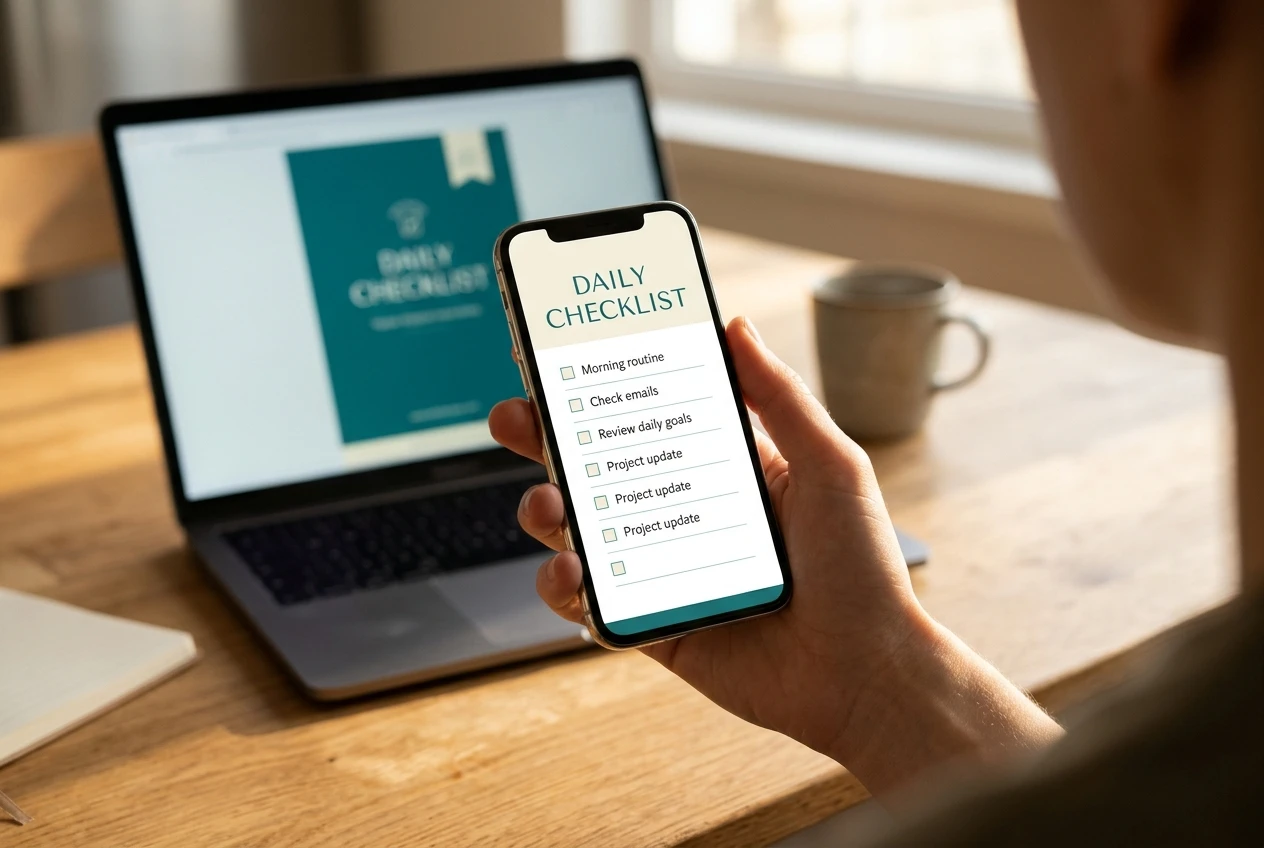
- Saturday morning: write the content in plain text with no formatting. For a checklist, list every action. For a guide, write the headings first and a few sentences under each.
- Saturday afternoon: cut it. Remove anything that does not serve the one problem you chose. Most first drafts are about a third too long.
- Sunday morning: lay it out with large readable text, plenty of white space and one idea per section. Use your site’s logo, colors and fonts so it looks like it came from the same place as your pages.
- Sunday afternoon: export it as a PDF, open it on your phone, and fix anything hard to read on a small screen. Most people will open it there.
Put your site name and address on the first and last page so the document points back to you if it gets shared. For a cover image, the Artist inside Wealthy Affiliate can generate one, and you can also make one in Canva.
Write the headline and signup form copy that explains the promise in one line
Visitors decide whether to sign up within a few seconds, so the headline has to say what they get. A reliable pattern is the resource, who it is for and the result it produces:
- “The 12-point checklist for launching a small business website”
- “A fill-in-the-blanks outline for your About page”
- “20 email subject lines you can copy for your first newsletter”
Leave out words like “ultimate” and “complete”, which promise size when the visitor wants a result. Put a number in the title when the resource contains a countable list, because it tells the reader how much time it will take.
Keep the form short. An email address is enough, and a first name is optional, because every extra field lowers the number of people who finish. The button should name what they receive, such as “Send me the checklist”, instead of “Submit”.
Add one line below the button saying what happens next, for example: “The checklist arrives in your inbox in a minute, followed by occasional emails from me. Unsubscribe any time.” Link to your privacy policy page from the form, and add one if you do not have it yet.
Your Writer can produce several versions of the headline and one-line promise for you to compare. Choose the one that states the result most plainly, and edit it so it sounds like you.
Set up delivery: the form, the thank-you page and the first email
Delivery has three parts, and each needs to work before you tell anyone the resource exists.

The form. This comes from your email marketing tool, which stores the addresses and sends the messages. Create a form there, connect it to a list, and place it on your site. If you have not chosen a tool yet, this comparison of email marketing tools for beginners covers the options.
The thank-you page. After someone submits the form, send them to a page on your site that confirms the signup, tells them to check their inbox and spam folder, and offers a direct download link in case the email is delayed. Add one suggestion for what to read next.
The first email. The tool should send it automatically when someone joins. It should contain:
- The download link, near the top.
- One or two sentences on how to use the resource.
- A short introduction to what your site covers.
- A question the reader can answer by replying, such as what they are working on right now. The replies tell you what to make next.
Then test the whole chain. Sign up with your own address, and with a second address at a different provider if you have one. Confirm the email arrives, the link opens the file, and the thank-you page displays correctly on a phone.
Where to place it on your site so visitors see it at the right moment
A signup form works best next to the problem it solves. A visitor reading about a topic is already thinking about it, so a form offering the matching resource feels like a helpful addition. Good placements, in rough order of usefulness:
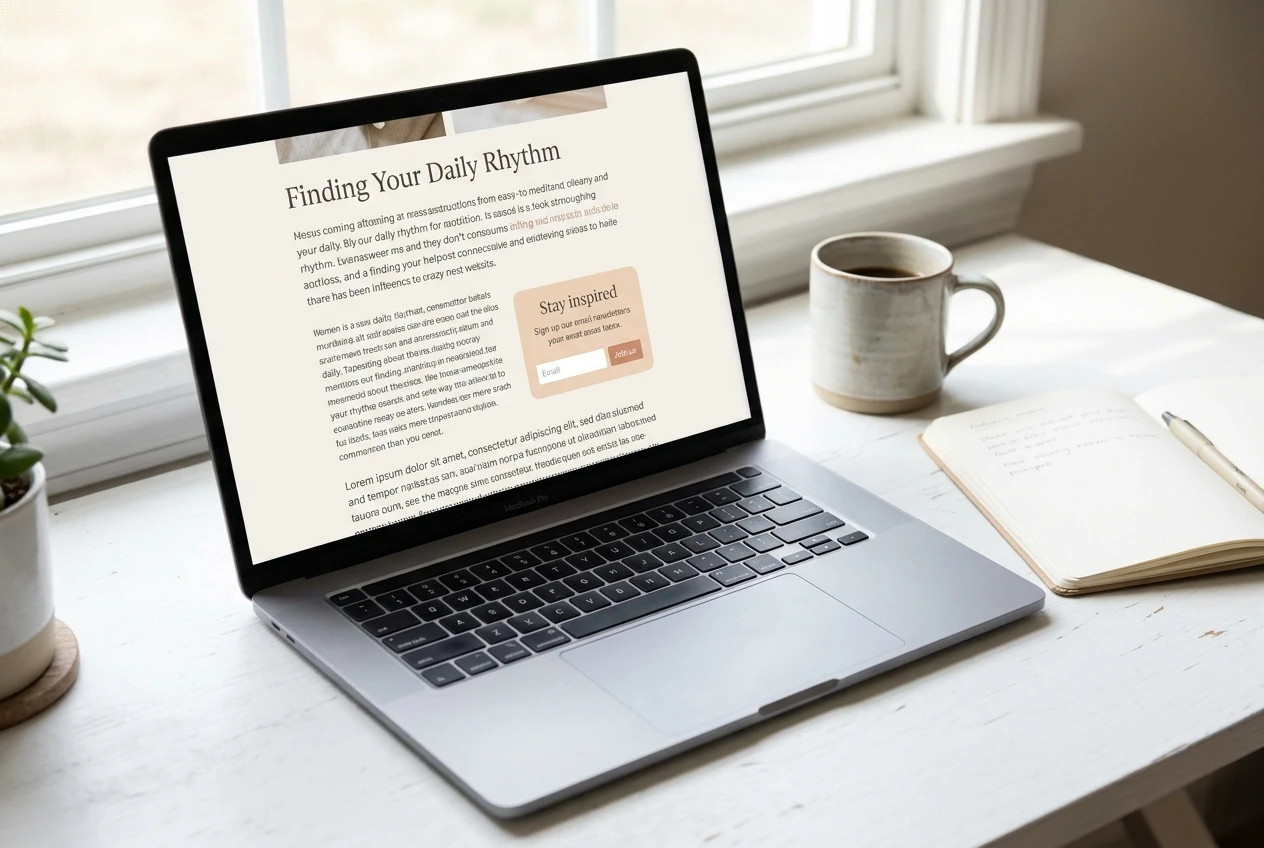
- Inside relevant articles, after the section that explains the problem, with a sentence connecting the two.
- At the end of articles, for readers who finish and want a next step.
- On a dedicated page with its own address, which you can link from menus and your About page.
- In the sidebar or footer, as a permanent but low-key option.
Be careful with pop-ups. One that appears the moment a page loads interrupts the reader before they have seen anything of value, and it is one of the design mistakes that make visitors leave a personal website. If you use one, trigger it after the reader has spent some time on the page or is about to leave.
Start with two placements: one inside your most relevant article and one on a dedicated page.
How to tell if it is working and what to change first
The number to watch is the signup rate: people who joined divided by people who saw the form or its page. Many email tools and site stats show both numbers. Compare your rate with your own earlier rate rather than a universal benchmark.
With very few visitors, a rate means little. Two signups from ten visitors and two from a hundred are both too small to read much into. Wait until a few hundred people have visited the page before judging, and until then simply count signups.
When the rate is low, change one thing at a time, in this order:
- The headline and promise. If visitors do not understand what they get in one line, nothing else matters.
- The placement. Move the form closer to the content that discusses the problem.
- The form itself. Remove any field that is not essential and make the button text more specific.
- The resource. Only after the first three, consider whether it solves the wrong problem. Replies to your first email help here.
Give each change a week or two before judging it.
Building the site and the lead magnet on Wealthy Affiliate
If you are starting a business website, or building a new site for a business you already run, you can do the site and this resource in the same place. https://www.wealthyaffiliate.com/?a_aid=4a86100d is where you can open a Hub for the site, build it, and work through the learning alongside it.
Inside Learn you can Focus on email list building and website building, and use Live classes and their recordings when you want to watch someone work through a topic. Your Writer can draft headline and form copy for you to edit, and your Artist can make a cover image. Each piece of work costs Credits at what it actually cost, and a run that fails costs you nothing.
For the site itself, see the pages your business website needs besides Home and About and choosing between a website builder and WordPress. Build the pages first, then add the lead magnet to the ones where it fits.
Your next step
Write down the one problem your visitors most often arrive with, then draft a one-line promise for a resource that solves it before you open any design tool.