
Most people choose a platform by comparing templates and monthly prices. A better starting point is the income you want the site to produce. A site that exists to show a portfolio and collect a few enquiries has different needs from a site meant to publish hundreds of articles, send an email newsletter and earn affiliate commissions. The website builder vs WordPress question is easy once you know which of those you are building.
This article uses three questions: who owns the site, how much you can change later, and what it costs to move if your first choice stops fitting. It ends with a decision path so you can pick one and start.
The real question: what do you want this site to do in two years?
Write one sentence describing your site two years from now. Make it concrete: “A site with 80 helpful articles, an email list and affiliate reviews” is useful. “A nice website” is not.
That sentence sorts you into one of two groups. In the first, the site is a presentation: a few pages, a contact form, maybe a simple shop. In the second, the site is a publishing and income operation that grows page by page, with SEO, email capture, tracking and monetization layered on over time.
If you are in the first group, a website builder is a sensible choice. If you are in the second, which is where anyone aiming at serious monthly income sits, the platform has to keep up with a site that gets bigger and more demanding every quarter. That is why the three questions below carry more weight than a feature list.
Ownership: what you actually control
A website builder is a rented, all-in-one service. You pay a subscription, and the company supplies the editor, the hosting, the security and the templates. You own your words and images, but the platform itself belongs to the company. Its rules, pricing, features and terms of service apply to your site, and they can change.
WordPress works differently. The software is open source, so you download and run it yourself, which means you choose a hosting company, register a domain and control the files and database. Your content sits on a server you pay for, and you can move that server to another host whenever you want. Your site does not depend on one company’s product decisions.
Ownership has a practical side beyond principle:
- Domain: register it in your own name with a registrar you control, whichever platform you choose. Some builders offer a domain inside the subscription, and it is worth knowing exactly how to transfer it out. The page on setting up a custom domain for a personal website covers the basics.
- Content: on WordPress, your posts and pages live in a database you can back up and export at any time. On a builder, check what the export function actually produces before you commit.
- Rules: a builder’s terms decide what you may run on your site, including scripts, ad code and affiliate disclosures. On self-hosted WordPress, you are bound by your host’s terms and the law, which leaves far more room.
If a site is going to be an income source, owning it works like owning a shop’s lease rather than renting a market stall by the day.
Flexibility: where builders stop and WordPress keeps going
Builders are strong at the start. You pick a template, drag blocks into place and publish in an afternoon. The limits show up when you want something the builder did not plan for.
Common examples are a custom page layout the editor will not allow, tracking code in a specific place, a niche tool that has no integration, or a site structure that needs hundreds of organised posts with filtering. Some builders offer an app marketplace or code injection to cover part of this, but you work within what the platform exposes.
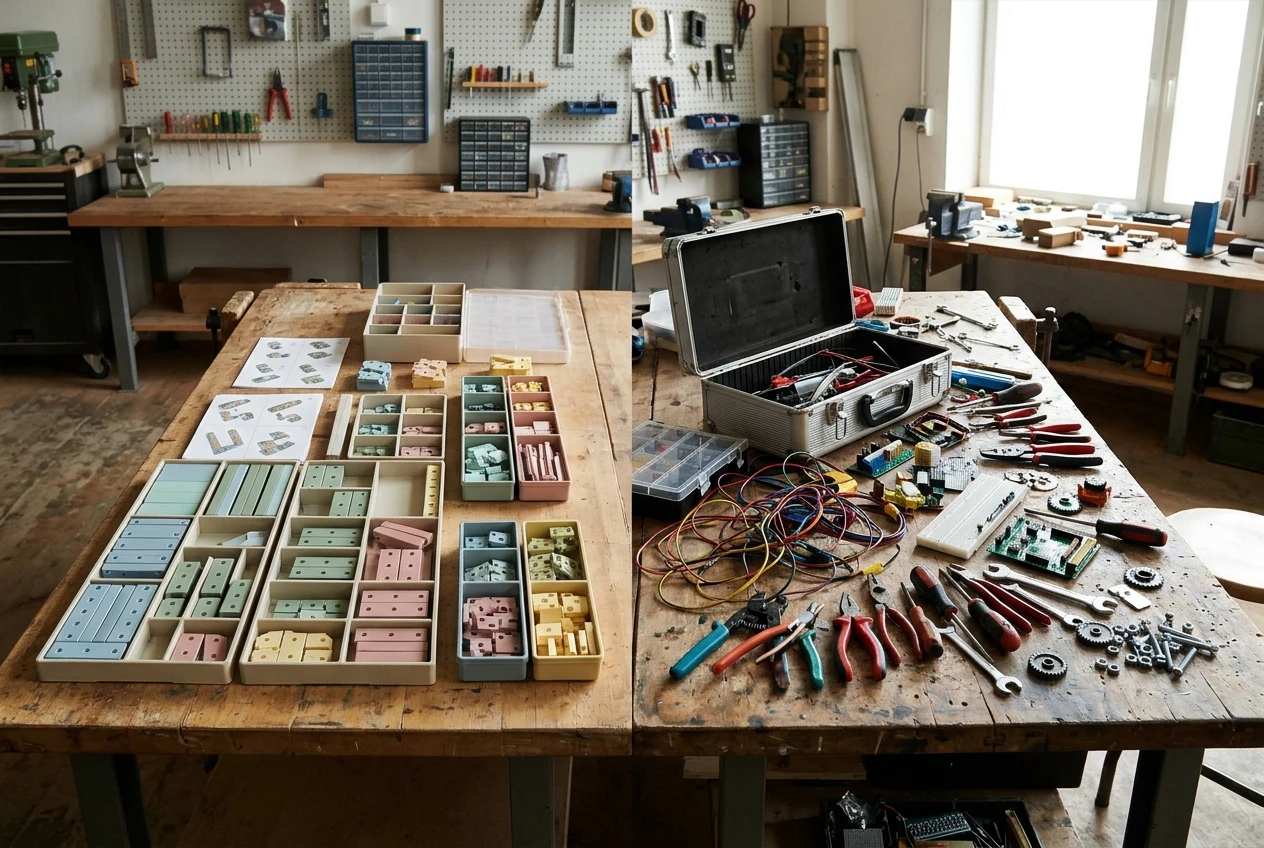
WordPress has thousands of plugins and themes, and its code can be edited directly when you need to. Membership areas, booking systems, comparison tables, custom post types, advanced forms and detailed redirects are all available. The cost of that freedom is that you make more decisions, and some of them are poor ones. A site with too many plugins gets slow and harder to maintain. If you go the WordPress route, the guide to WordPress plugins worth installing when your business site needs to grow helps you keep the list short, and choosing a WordPress theme that looks good and still loads fast helps with the biggest single choice.
A useful test: list five things you might want in year two. If a builder cannot do one or two of them, you have found your answer.
Cost and effort: what you pay in money, time and maintenance
Both options cost money and time. They charge them in different places.
A website builder bundles hosting, security, software updates and support into one recurring plan. Your first day is quick, and you rarely think about backups or updates. You pay for that convenience in recurring fees, and the features you need later, such as more pages, e-commerce functions or removal of the builder’s branding, often sit in higher plans. Look at the price of the plan that has the features you will want, not the cheapest headline plan.
WordPress has no license fee for the software. You pay for hosting and a domain, and optionally for a premium theme or specific plugins. The time cost is in setup and upkeep: installing WordPress, configuring it, keeping plugins updated, making backups and watching security. Two things reduce the load considerably:
- Managed WordPress hosting handles updates, backups and much of the server-level security for you. The comparison of managed WordPress hosting for small business owners explains what to look for if you would rather not touch server settings.
- A short maintenance routine, such as updating plugins weekly and checking backups, takes little time once set up. The guide to securing a WordPress website without being technical lists the basics.
Neither option is free in any practical sense. If you are weighing a no-cost start, can you make a website for your business for free covers what free plans leave out.
Moving later: how hard it is to leave a builder, and why that matters
Plan for a move, even if you never make one. Businesses grow past their first tools, and the cost of leaving is the part of the decision people most often overlook.
Moving off a builder is usually a rebuild, not a transfer. Your text and images can generally be copied across, but the design, layout and page structure do not come with you because they belong to the builder’s system. Anything you built with its proprietary blocks has to be recreated by hand.

The bigger risk is search traffic. If your page addresses change during the move, the rankings those pages earned can drop unless you set up redirects from every old address to its new one. On a small site, that is a weekend of careful work. On a site with hundreds of pages and months of ranking history, it is a project with real risk to your income. Some builders limit how flexibly you can handle redirects, which adds friction.
Moving between WordPress hosts is much simpler, because the site is a set of files and a database that most hosts can copy for you, and the addresses can stay the same.
Two habits cut your exposure on either platform:
- Keep your email list in a dedicated email service, so subscribers move with you whatever happens to the website.
- Keep your own copy of every article in a document or folder you control.
Because the cost of moving rises as the site grows, the best time to choose the platform you want long-term is before you publish page one.
Monetization and SEO: what each option allows
Both types of platform can carry affiliate links, and both can host the content that attracts search traffic. The difference is how much control you have as the site matures.
Affiliate links. On either platform you can add links and the disclosure text that most affiliate programs and advertising rules require. Check the builder’s terms and the affiliate program’s terms before relying on either. WordPress gives you more room for link management, comparison tables and review layouts. If you are still deciding what to promote, how to choose affiliate products that fit your personal business website is worth reading before you add a single link, and how to write affiliate reviews that convert because they help covers the writing.
Email capture. Most builders offer a basic signup form, and many connect to outside email services. WordPress can connect to nearly any email service through plugins or embed code, and you can place forms where you like: inline, in popups, at the end of articles. Starting a list early matters on any platform, as why your brand new website needs an email list on day one explains.
SEO. Most builders now cover the fundamentals: editable page titles, meta descriptions, image alt text, clean headings and sitemaps. For a small site that is enough. As the site grows you may want finer control over URL structure, redirects, structured data, category and tag organisation and page speed, and WordPress with the right plugins and hosting gives you that. Speed in particular affects both rankings and sales, and the piece on why a faster WordPress site sells more lists the fixes.
For a content-led income site, the practical effect is this: a builder lets you start earning sooner with fewer decisions, while WordPress leaves fewer limits as you scale.
A simple decision path
Answer these in order and stop at the first one that applies.

- Do you need a site live within days, and is income secondary? Examples are a portfolio, a local business card site or a test of an idea. Choose a website builder. Buy your domain separately and keep copies of your content.
- Will the site be built around publishing content, affiliate income and an email list? Choose WordPress on managed hosting. You get room to grow and a move later is simple.
- Do you dislike technical setup but still want the income potential? Choose WordPress on managed hosting. The host handles the technical layer, and you spend your time on pages and articles.
- Are you unsure and the stakes are low? Start on a builder, with the understanding that you may rebuild later. Keep the site small so the rebuild stays cheap.
- Do you expect to want custom features, such as memberships, bookings or tailored layouts? Choose WordPress from the start.
If your answer to the two-year question was a large, income-producing content site, the path points to WordPress almost every time. If your answer was a small presentation site, a builder will serve you well and save effort.
What to do next: setting up your choice properly
Whichever platform you pick, set up these pieces in this order.
- Register your domain in your own name. Choose a name you can keep for years, and turn on auto-renewal so it never lapses.
- Set up hosting. On a builder this is included. On WordPress, pick a managed host, install WordPress, set up HTTPS and choose a lightweight theme.
- Create the core pages. Start with Home, About, Contact and your privacy policy, then add the pages visitors expect from a business site. The guide to essential pages for a business website lists them.
- Connect an email service and add a signup form before you publish your first article.
- Publish your first helpful articles, aimed at the questions your future visitors are already searching for. The guide on how to optimize your website content for SEO covers titles, headings and structure.
Pick your platform using the decision path, then set up your first pages and hosting inside your Hub with your Writer helping you draft the content.
Leave a Reply