Most beginners assume an email list is something you build after the traffic arrives. The reasoning sounds sensible: with ten visitors a day, who is there to sign up? But the order works against you. The first people who find a new site are often the most interested in it, and if nothing on the page lets them stay in touch, most of them are gone for good.
This guide covers email list building for beginners with a small site. It describes the smallest setup that works: one signup form, one free thing to offer, and one welcome email. You can finish it in an afternoon, and it will still be useful when your traffic grows.
Why a site with ten visitors a day should still collect emails
Ten visitors a day is about 300 a month. If even a few of those people want to hear from you again and you give them no way to say so, you lose them. They might bookmark your site. Most will not, and a bookmark is easy to forget.
An email address is a direct line to one interested person. You do not need an algorithm to show your next post to them, and they do not need to remember your URL. When you publish something new, it lands in their inbox.
Starting early also gives you practice at a small scale. Your first subscribers show you what people actually want from your site. When you write to 15 people, you can reply to each one who writes back, and their answers tell you what to build next. A list started at 5,000 subscribers has none of that closeness.
There is also a plain timing reason. Every day without a form is a day of visitors you cannot reach again. A form added now costs you an hour. Waiting until the site is popular costs you every early reader.
Rented traffic versus owned traffic: what happens when rankings or social reach drop
Search rankings and social media reach are controlled by someone else. Google decides where your page appears, and a social platform decides how many followers see your post. Either can change its rules, and your visitors can fall without you having changed anything on your site. Search traffic also takes time to arrive for a new site. If you want the background on how that works, what SEO is and why your website needs it covers it.
An email list works differently. You hold the addresses, and you can export them from your email tool and move them to another one. If you switch providers, the list goes with you. If a platform shuts down or changes its terms, your subscribers are still reachable.
This does not mean you should ignore search or social media. Both bring new people to your site. The point is what happens to those people once they arrive. Without a signup form, a visit that came from a ranking ends when the reader closes the tab. With one, a visit can become a relationship that does not depend on where you rank next month.
One caution: owning a list does not guarantee delivery. Emails can land in spam folders, and people stop opening messages they no longer want. A list needs ongoing care, which the later sections cover.
Pick one reason for people to subscribe (and keep it small)
People rarely give an email address for “updates” or “news.” They give it when they get something they want. That something is often called a lead magnet, which just means a small free item offered in exchange for an address.
Keep yours small enough that you can make it in a few hours. A beginner with a personal website has several realistic options:
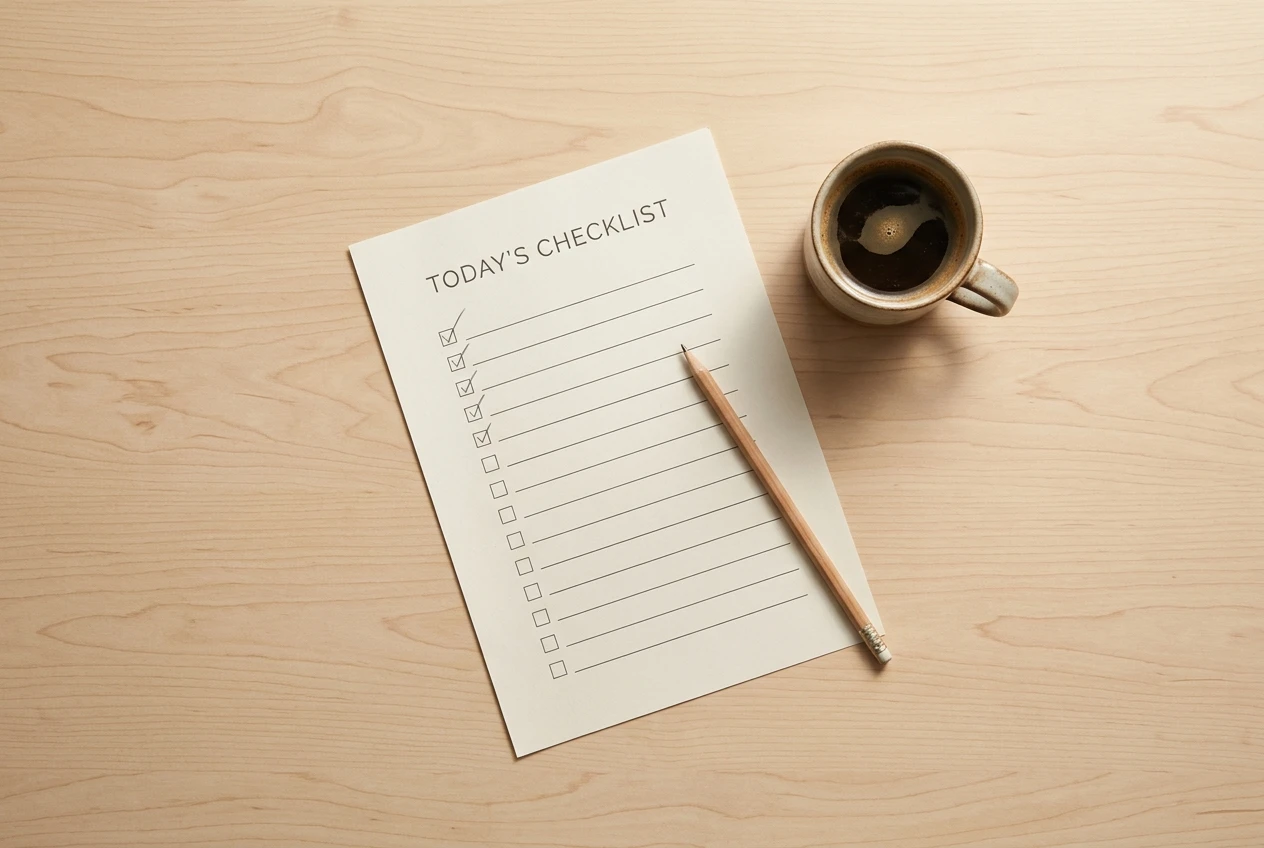
- A one-page checklist related to your topic, such as a checklist for launching a personal website.
- A short template the reader can copy and fill in.
- A three-part email mini-course that teaches one narrow skill.
- A resource list of the tools or sites you think are worth a reader’s time.
Choose based on a single question: what is the first problem a new visitor to your site wants solved? Offer the smallest useful answer to that. A checklist that fixes one problem will beat a long guide that tries to cover everything, and the reader is more likely to finish it.
You can also skip the free item and simply promise something specific, such as one short email a week on a topic. This works, but a concrete free item gives the reader a reason to act today instead of someday.
Write the offer in one sentence that names the benefit: “Get a one-page checklist for launching your site, free by email.” A reader should understand the deal without scrolling.
Where to put your first signup form on a personal website
A single form in a place readers will see is better than five forms scattered around. For a small site, these positions work best, in rough order of usefulness:
- At the end of each post or article. A reader who reached the bottom enjoyed the page. This is the moment they are most likely to want more.
- On your About page. People who click About are curious about who runs the site, which makes them open to staying in touch. Your About Me page is a natural place for a short invitation.
- In the sidebar or near the top of the home page. This catches visitors who decide quickly.
Start with one of these, not all three. Once you have a form working, you can add a second location and see whether signups change.
Keep the form itself short. Ask for an email address, and at most a first name. Every extra field means fewer people finish it. Put a short line above the form that says what they get and how often you will write, and label the button with the benefit, such as “Send me the checklist,” instead of the default “Submit.”
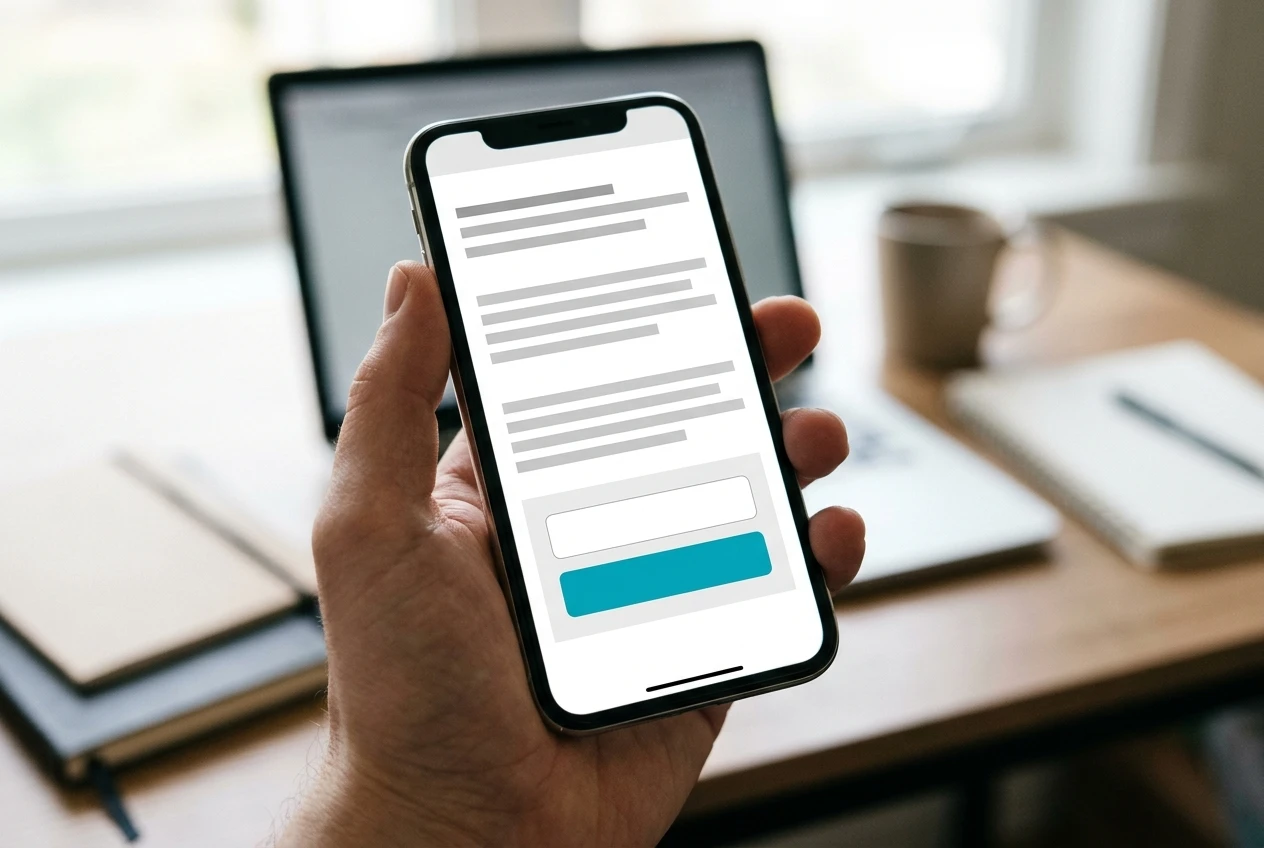
Test the form on your phone as well as your computer. Many visitors will see it there first, and a form that is cramped or hard to tap will lose them.
Choosing an email tool without overbuilding: what you need at the start
You need an email service provider, which is the tool that stores your subscribers, sends your emails, and handles unsubscribes. You should not send newsletters from your personal inbox. A dedicated tool manages consent records and unsubscribe links, and it sends to many people without looking like spam.
At the start, you need only these features:
- A signup form you can embed in your site, or a hosted form page you can link to.
- The ability to send an automatic welcome email when someone joins.
- A one-click unsubscribe link added to every email.
- A way to export your subscriber list.
Many providers offer a free plan for small lists, but plans and limits change, so check the current terms on the provider’s own pricing page before you commit. Look especially at what happens when your list grows past the free limit, and confirm that you can export your list if you decide to leave.
You can skip landing page builders, complex segmentation, and multi-step automation for now. With 20 subscribers, you have nothing to segment. If you want a wider view of which tools are worth your time and which are not, the guide to website tools a beginner actually needs goes through that decision.
If your site runs on WordPress, many email tools provide a plugin or a code snippet that you paste into a page. Either route works. Pick whichever you can finish today.
Write a welcome email that gets read
The welcome email is the one message every subscriber receives, and it arrives while their interest is highest. Set it up as an automatic email so it sends the moment someone signs up.
A welcome email that works has a few parts:
- A clear subject line. Say what is inside: “Your launch checklist is here.” A subject that matches the offer tells the reader it is the email they were waiting for.
- The promised item first. Put the download link or the first lesson at the top. If you make people read three paragraphs before they get what you promised, some will give up.
- A short introduction. Write two or three sentences on what your site covers and who it is for. Use only facts about your site and your work that you are comfortable sharing publicly.
- What to expect. Tell them how often you will write and about what. If you plan one email a week, say so.
- One question. Ask something easy to answer, such as “What are you working on with your site right now?” Replies show you what your readers need, and they tell email providers that people want your messages.
Write in plain language, as if you were writing to one person. Keep it short, since the reader came for the free item and not for a long letter. Use a real sender name that people will recognize when the next email arrives, rather than a generic company label.
Before you publish the form, subscribe with your own address and read the email as a subscriber would. Check that the link works, the formatting looks right on a phone, and the message did not go to spam. Check your spam folder too, because that is where a first test email sometimes lands.
Stay on the right side of consent and your privacy policy
Collecting email addresses means handling personal data, and the rules depend on where you and your subscribers live. Laws such as the GDPR in Europe and the CAN-SPAM Act in the United States set different requirements. This article is not legal advice, so check the rules that apply to you. A few habits are sensible almost everywhere:
- Ask clearly. Tell people next to the form what they are signing up for and what you will send.
- Only email people who asked. Do not add friends, colleagues, or contacts from other places to your list without their agreement.
- Make leaving easy. Every email should include a working unsubscribe link, and you should honor requests promptly.
- Keep a record. Your email tool usually stores when and how each person joined. Leave that setting on.
- Do not promise one thing and send another. If the form says a weekly checklist, do not start sending promotions for unrelated products.
Your site should also have a privacy policy that says what data you collect, why, and how people can contact you about it. Link to it near your signup form, with a short line such as “We use your email only to send the checklist and occasional updates. Read our privacy policy.” If the policy on your site is still a default template, read it and update it so that it describes email collection and the tool you use. If you are unsure what your location requires, ask a qualified professional.
What to do in your first 30 days with your first 20 subscribers
Twenty subscribers is a realistic first target for a small site, and you can reach it with a plan that is mostly about steady habits. Here is a simple schedule.

Days 1 to 3: set up. Choose your tool, build the form, create the free item, and write the welcome email. Subscribe yourself to confirm it all works, then place the form on one page.
Days 4 to 10: tell people. Mention your list wherever you already talk about your site. Add a line to the end of your latest posts, and tell friends or colleagues who would find the topic useful. Make sure each person is told they are signing up for email.
Days 11 to 20: write to them. Send your first regular email, even if it goes to only a handful of people. Keep it short: one useful tip, one link to a page on your site, and a question. Read any replies and answer each one personally.
Days 21 to 30: look and adjust. Check which page produced the most signups and whether the free item is being downloaded. If one location works better, move your effort there. If few people sign up, change one thing, such as the offer wording or the form position, and wait a week before changing anything else. If readers asked questions, write your next post or email around the most common one.
Resist the urge to measure everything. With 20 people, a single reply tells you more than a spreadsheet of percentages. Your job in the first month is to prove to yourself that the system works, that people join, receive the email, and sometimes write back.
Add one signup form to your site today and send yourself the welcome email to check that it works.
Leave a Reply