

A visitor who lands on a small business website has usually never heard of you. Within a few seconds they are asking practical questions: is this a real business, can I reach someone, what does it cost, and what happens to my details if I type them in. A homepage and an About page answer only some of those.
The essential pages for a business website are the ones that answer the rest. This guide covers each of them, what it tells a visitor, and whether it is a must-have or something you can add later. The call on each page is based on one test: does a visitor need it to decide whether to trust you or to take the next step?
Why a homepage and About page alone leave visitors unsure about you
The homepage says what the site is about. Your About page says who is behind it. Neither tells a visitor how to contact you, what you sell, how you handle their data, or what other customers think.
Visitors fill those gaps by looking for the pages that usually carry the answers. They check the footer for a privacy link, the menu for a contact option, and the page itself for any sign that someone maintains the site. When they find nothing, most will not write to ask. They leave.
Each page below does one job in that decision. Together they make a small site look like a business that is open, reachable, and run by someone who expects customers.
Contact page: the one page that turns interest into a conversation
Verdict: must-have.
A contact page gives an interested visitor a way to act. Without one, a person with a question about price, availability, or fit has nowhere to take it, and a question that goes unasked is usually a lost sale.
A useful contact page is short and contains:
- A simple form with name, email, and message fields. Fewer fields mean more people finish it.
- A direct email address for people who prefer to write from their own mail app.
- A line saying when to expect a reply, such as “within two business days,” but only if you can keep to it.
- A business address or phone number if your business has them and you are comfortable sharing them.
Do not list contact methods you will not monitor. An unanswered message hurts more than not offering the option. If you run a purely online business, a form and an email address are enough.
Link the contact page from the main menu and from the footer. It should be reachable from every page without scrolling around.
Services or products page: say what you offer and what happens next
Verdict: must-have, unless your homepage already lists every offer in detail.
Homepages tend to describe a business in general terms. A services or products page gets specific. It says what you sell, who it is for, what it costs or how pricing works, and what the buyer should do next.
Visitors read this page for two reasons. They want to confirm you offer what they came for, and they want to know what buying involves. A page that lists services but never says how to start leaves them guessing, and guessing is where they stop.
For each offer, cover these points:

- What it is, in one or two plain sentences.
- Who it suits and what problem it solves.
- The price, or a clear statement of how you quote one.
- The next step, with a button or link that goes to a checkout, booking page, or the contact form.
If you have several offers, give each its own section on one page. Once any single offer needs a long explanation, give it its own page and link to it from the overview.
If your site earns through affiliate links, this page can be a short guide to what you recommend and why. The principles in how to write affiliate reviews that convert because they help apply here too: describe what the product does for the reader before you ask them to click.
Privacy policy and terms: the legal pages visitors and platforms look for
Verdict: privacy policy is a must-have. Terms are a must-have if you sell anything, and a nice-to-have otherwise.
A privacy policy explains what information your site collects and what you do with it. A site collects more than most owners realize: contact form entries, comments, email signups, analytics data, and cookies set by plugins or embedded content.
Visitors rarely read the policy, but many check that it exists, and a missing one makes a site that asks for personal details look careless. It also matters beyond trust. Ad networks, analytics providers, email services, and payment processors commonly require a published privacy policy, and privacy laws in many places require one when you collect personal data. The rules differ by country and region, so check the requirements that apply to you. If your situation is complicated, ask a qualified professional.
WordPress includes a privacy policy page template under Settings, then Privacy, which gives you a draft to edit. You can also start from the privacy policy page on this site to see the typical sections. Whatever you start from, edit it so it describes your actual site. A policy that mentions tools you do not use, or leaves out ones you do, is worse than a short accurate one.
Terms and conditions set the rules for using your site or buying from you. They cover things like refunds, delivery, liability, and what visitors may do with your content. If you take payments, sell services, or run a membership, publish terms so both sides know what was agreed. A simple information site can often manage without them.
If you earn commissions from affiliate links, say so clearly. Many places require disclosure of those relationships, and visitors respond better to a plain statement than to finding out on their own. A short disclosure page, linked from the footer, covers it, and a sentence near the links themselves is better still.
Link both legal pages from the footer so they appear on every page. Visitors expect to find them there.
Testimonials and FAQ pages: answering doubts before they cost you a sale
Verdict: both are nice-to-haves that become close to must-haves once you sell something.
Testimonials answer the question “has anyone else done this and been satisfied?” A new visitor has only your word. A quote from a real customer is evidence from someone else.
You can only use what you have. Never write testimonials yourself or attribute quotes to people who did not say them. If you have no customers yet, leave the page out. A short, honest site is better than one with invented praise. When you do have feedback, ask permission to publish it, and include the person’s name or first name and what they bought, since specific quotes are more believable than general ones.
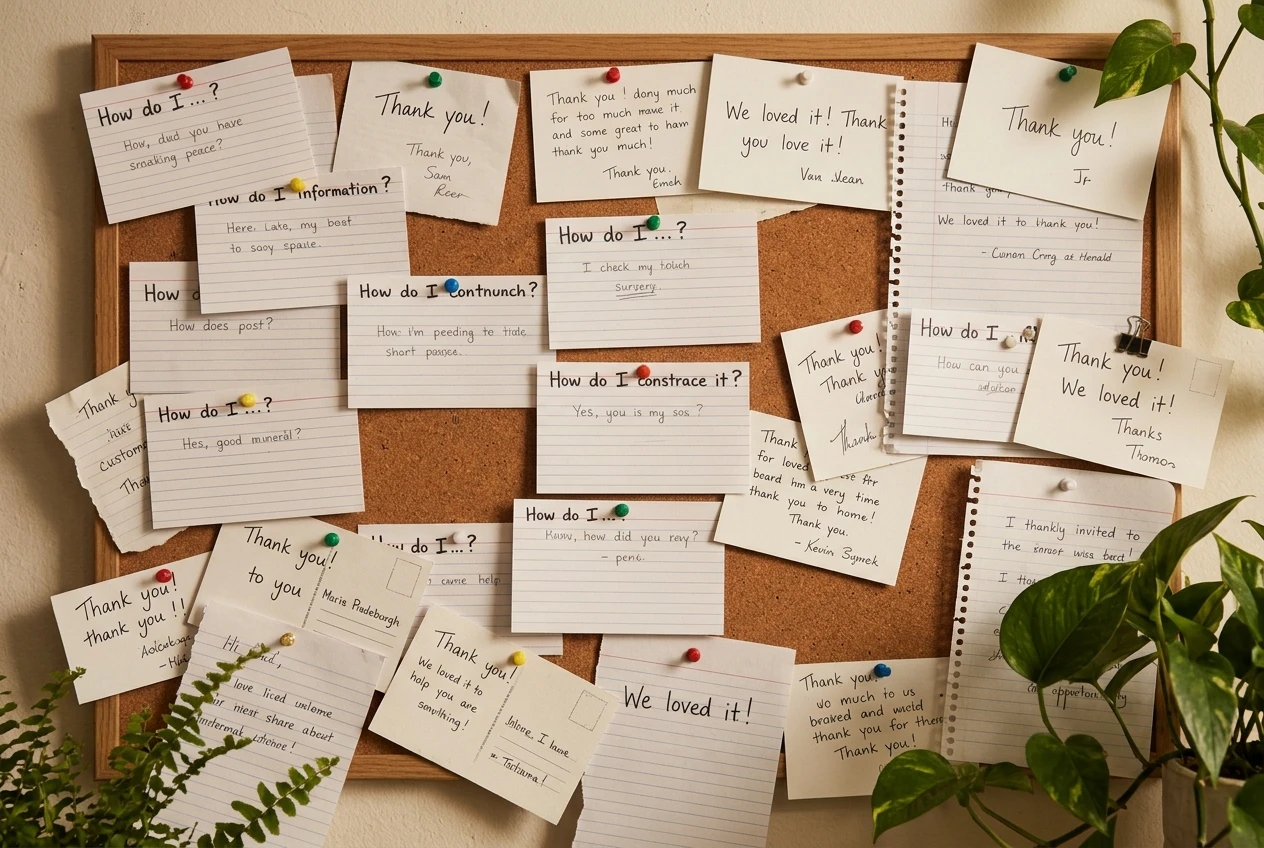
A FAQ page answers the questions people would otherwise email you, or never ask and leave over. Write it from real questions. Good sources are messages you receive, questions friends ask when you describe the business, and the doubts you would have buying from a stranger online. Typical topics include:
- Pricing and payment methods
- How long delivery or setup takes
- Refunds and cancellations
- What happens after someone contacts you
- Where you operate or who you serve
Keep each answer to a few sentences and link to the relevant service, contact, or terms page when a longer answer exists. A FAQ built from real questions also helps with search, since visitors phrase their questions the way they type them into Google.
You do not need a standalone testimonials page at first. A few quotes on the homepage and services page do the same work until you have enough to fill a page.
The 404 page and other small pages that signal care
Verdict: nice-to-have, and quick to do.
A 404 page is what visitors see when they open a link that does not exist, usually because of a mistyped address or a page you deleted. Most WordPress themes include a default one, and its quality varies a lot. Some show a blank message with no navigation, which leaves the visitor on a dead end.

A useful 404 page says plainly that the page was not found, then gives the visitor somewhere to go: a link to the homepage, links to your main pages, and a search box. Many themes let you edit this page, and a plugin can do it if yours does not. It takes under an hour and keeps people on the site who would otherwise close the tab.
A few other small pages also show that someone looks after the site:
- Thank-you page. After a form submission or signup, a confirmation page tells the person it worked and what happens next. It is also the natural place to invite them to join your email list.
- Disclosure or cookie notice. Add one if your analytics or ad tools set cookies, and if the rules where you operate call for it.
- Blog or resources page. Add it once you have articles to show. An empty blog page makes a site look abandoned, so do not publish one with no posts.
Which pages to build first, and how to link them so people can find them
Build in the order of what a visitor needs to act and to trust you:
- Contact page. Without it, nobody can reach you.
- Services or products page. It says what you offer and how to buy.
- Privacy policy. Publish it before you collect any email addresses, form entries, or analytics data.
- Terms, if you sell anything.
- FAQ. Write it as real questions come in.
- Testimonials, once you have real ones.
- Custom 404 and thank-you pages. They are quick finishing touches.
Pages that visitors cannot find do not help, so linking matters as much as writing. Put your main pages in the top menu: services or products, About, and contact. Keep the menu short, since a long list makes each item harder to notice. Put the legal pages, FAQ, and contact details in the footer, which appears on every page and is where visitors look for them.
Within pages, link where a question comes up. A service description can link to the FAQ for pricing details, and the FAQ can link back to the contact form. Add a clear call to action to every important page, so no page ends without telling the visitor what to do next.
Check the finished set the way a stranger would. Open the site on a phone, look for the contact option, find the privacy policy, and try to work out what you sell and what it costs. Fix whatever takes more than a few seconds, and compare the result with the usual website design mistakes that send visitors away.
Open your Hub gameplan and add a task for each missing page, starting with the contact page, then build them in the order the article suggests.
Leave a Reply